







Description
About this item
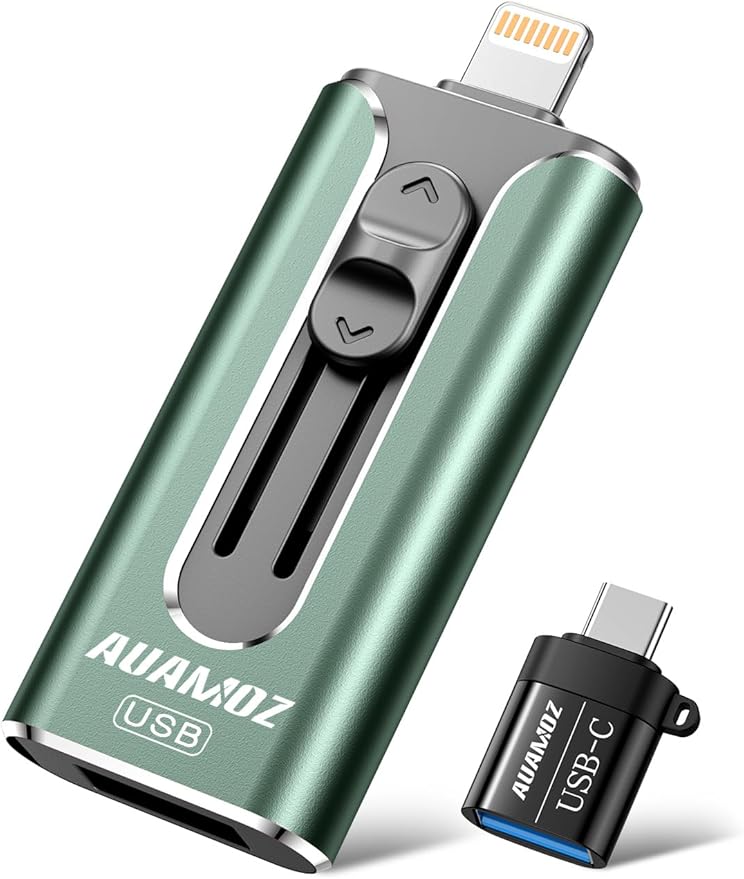
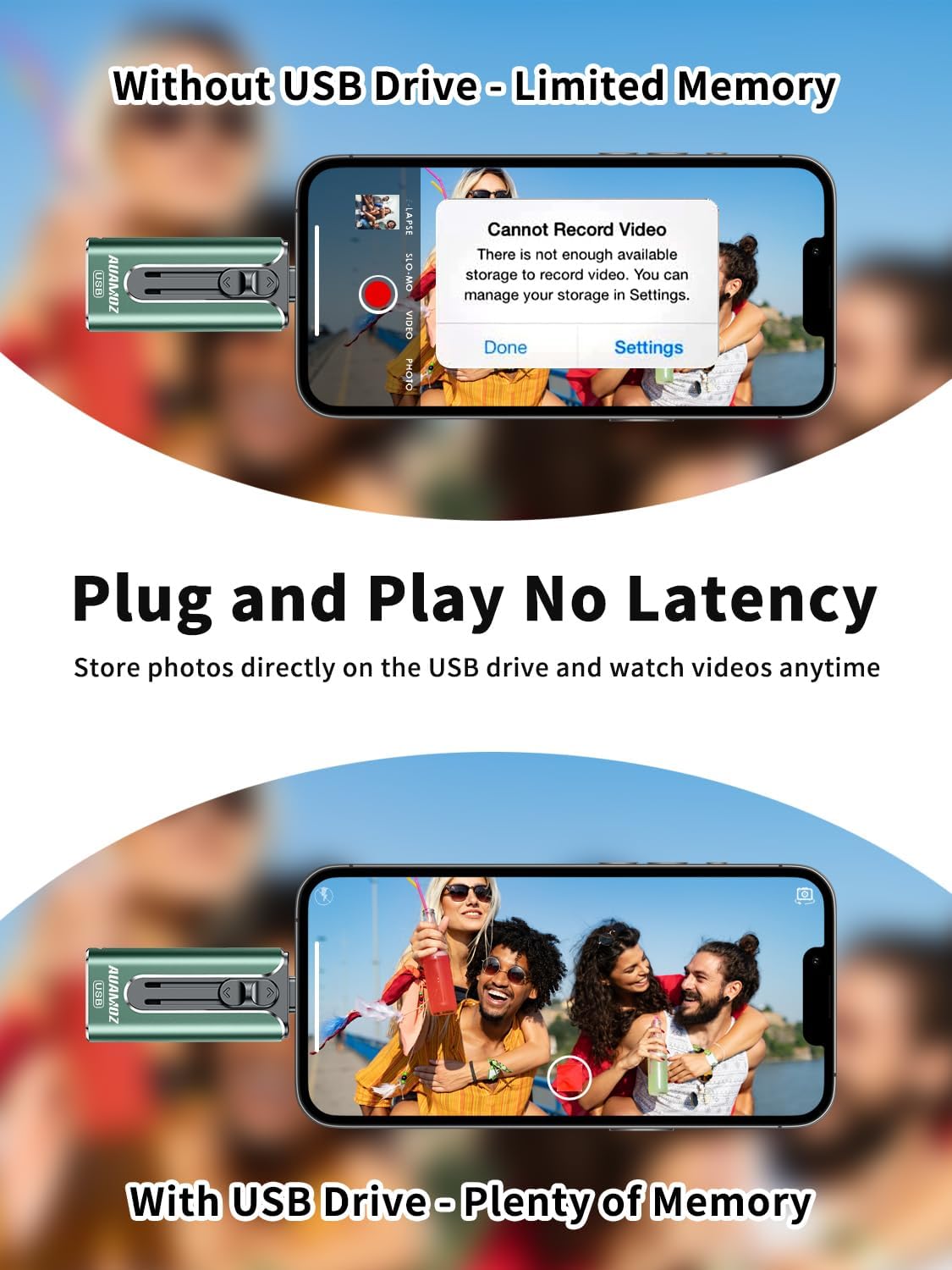
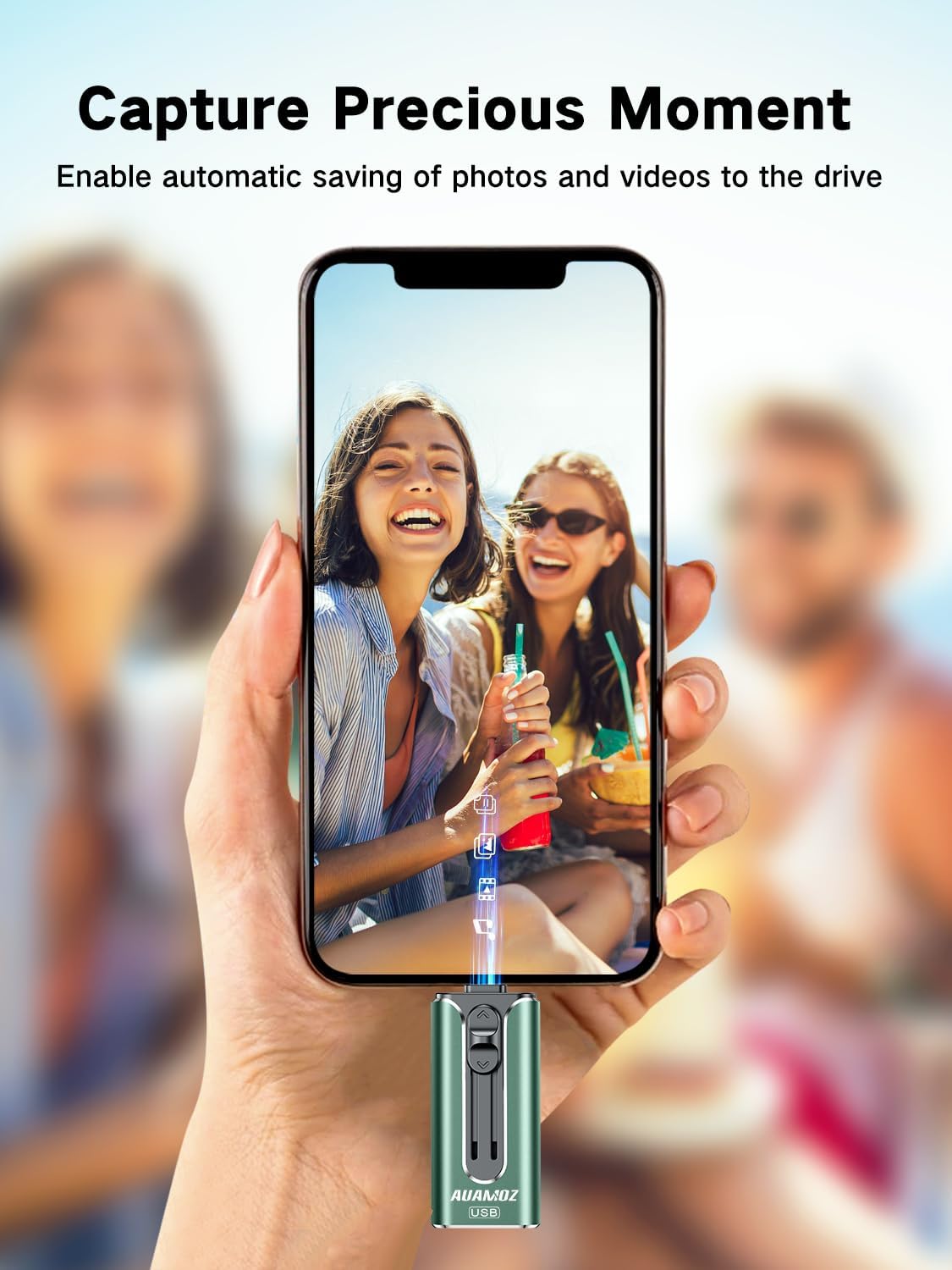
【Plug and Play, No Application Required, Instantly Increases iPhone and iPad Memory Space】If you almost used up all space on your iPhone or iPad, this photo stick for iPhone helps to expand your memory at full storage with 512GB. And usb memory stick for photos is also a great partner for traveling photographers editing on iPad. Using this memory device for your iPhone, iPad or Computers, no worries with the iPhone storage anymore!
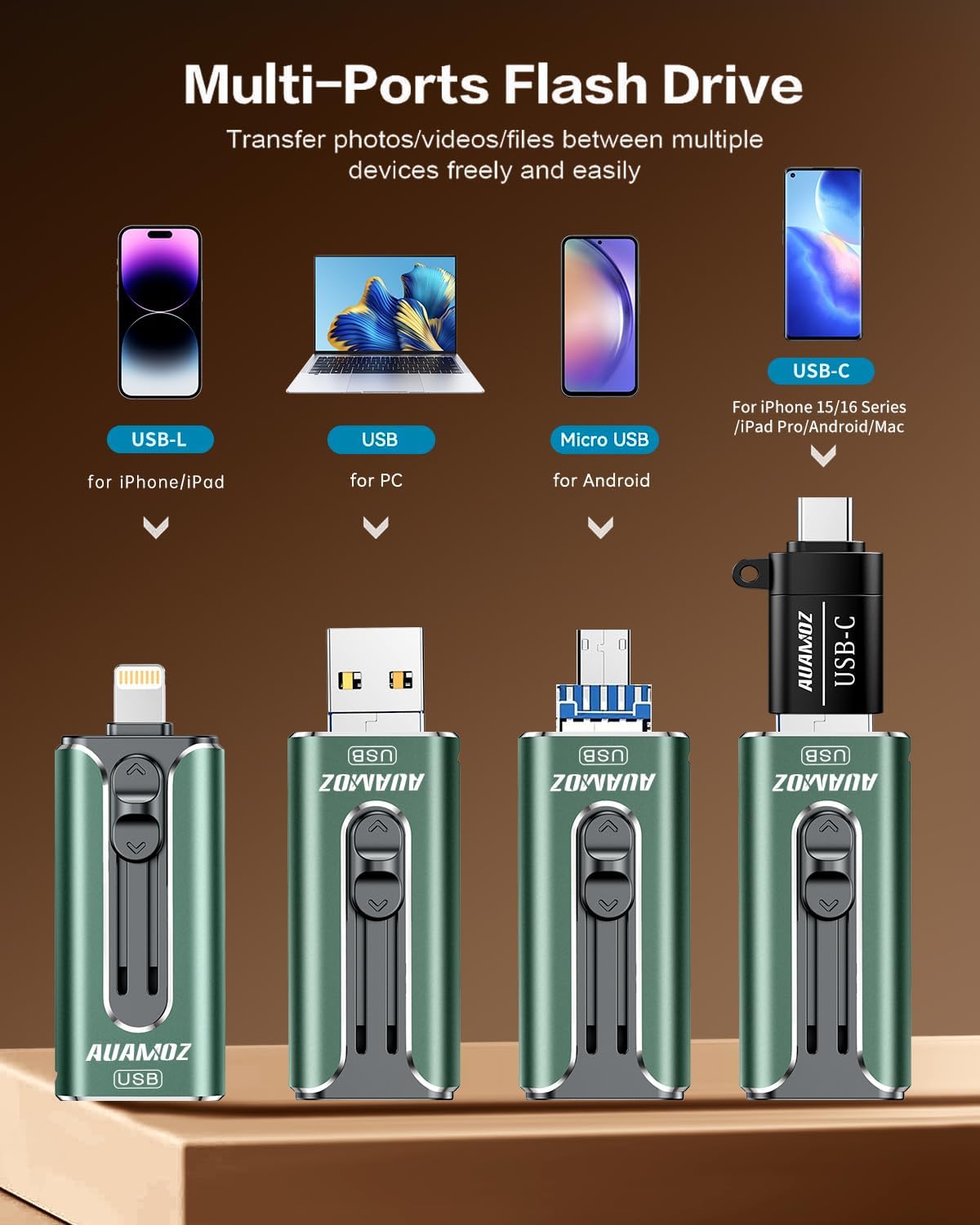
【Multi-Port USB Drive】The 4 IN 1 phone photo stick with USB Port/ USB-L Port/ Micro USB Port/ USB-C Port (Independent interface), which is more convenient for data transfer between different devices, so as to get rid of the data cable and iTunes and iCloud, let you switch easily storage space. The Phone thumb drive is designed for use with a wide range of devices, Compatibility iPhone 16/15/14/13/12/11/8/7/6S/SE/XR/XS/XS Max/X Series/iPad Air Series/iPad Pro Series. Also support Android smartphones/Computers and other devices with USB-C Ports. (Tip: For iPhone system version requires iOS 13 or higher, For Android smartphones need to open OTG function)
【Watch Movies, Photos and Play Music Directly From Phone Flash Drive】Store your favorite videos, audios and music on your iPhone’s Photo Stick, then seamlessly plug and play on your iPhone or iPad anytime, anywhere. No more need for Internet or WiFi. This iPhone storage device plays videos in many different formats.Pictures stored on the Phone storage device also support different formats. Great way to store all your pictures and videos on an phone external storage device.
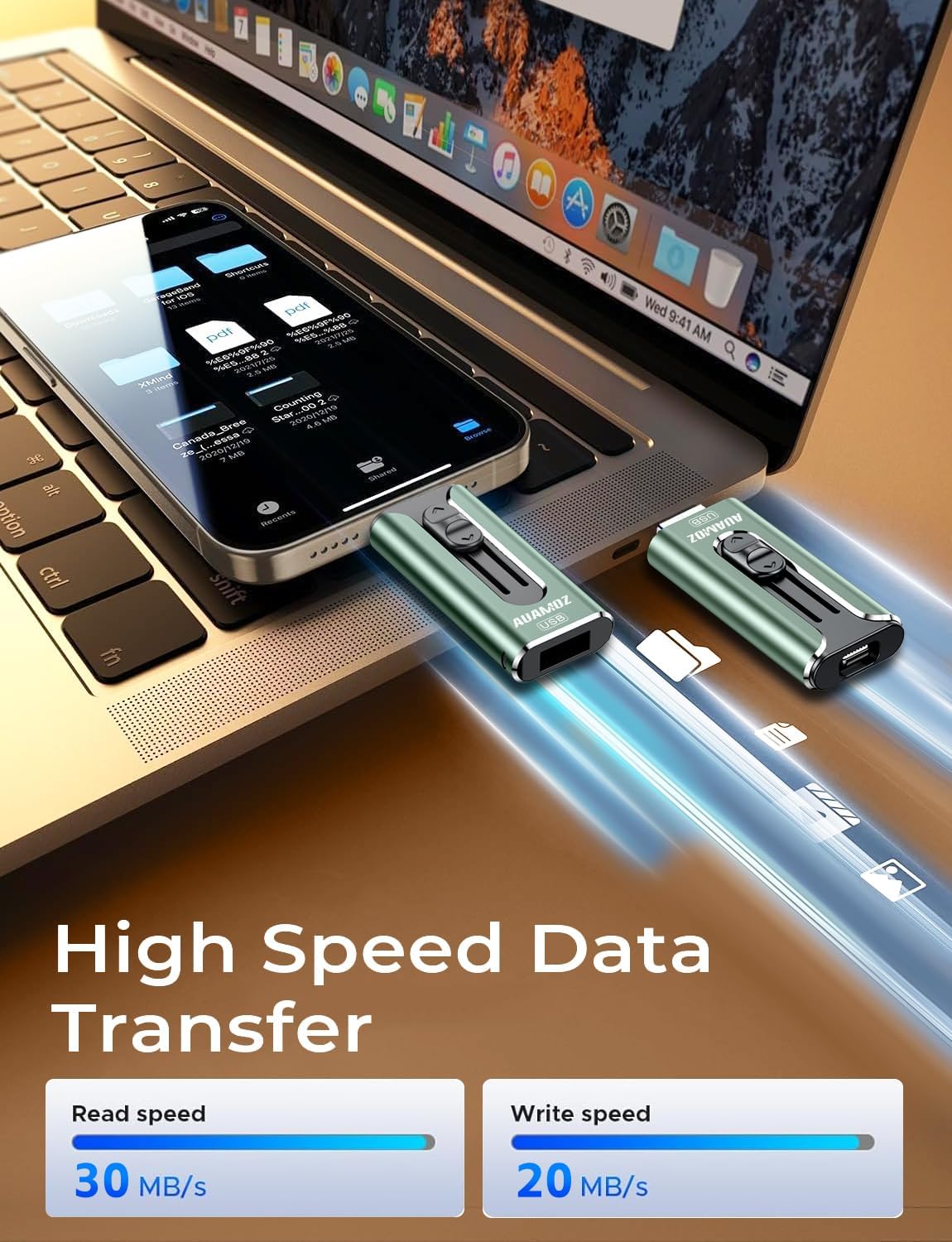
【High Transfer Speed】Transfer photos, videos, and files in seconds with our USB stick. With a write speed of up to 15 MB/s and a read speed of up to 30 MB/s, our flash drive for iphone have higher performance than conventional usb storage flash drive. Save time and get more done with iphone photo storage stick. Enjoy the whole relaxing trip with never stuttering or buffering video play on the go. (Tip: No Third-Party Apps Required, Simply insert the flash drive into the iPhone iPad and go to “Files” app)
【How to transfer in iPhone iPad】Requires iOS 13 and higher: Simply insert the flash drive into your iPhone iPad, then go to the “Files” app to find “Untitled” and move files to your iPad or iPhone as needed.
【How to transfer in Android Phones】Android phones need to support OTG, and flash drives can be found in the “File Manager” of most Android devices.
【Kindly Note】1) For Flash Media Devices, 1 megabyte = 1 million bytes; 1 gigabyte = 1 billion bytes. Actual useable capacity may vary. Some of the listed capacity is used for formatting and other functions, and thus is not available for data storage. 2) Up to 30MB/s read speed, write speed is lower. Based on internal testing; performance may be lower depending on the host devices and user’s settings and configurations.
Show more
› See more product details


EP –
Shipping: arrived earlier than expected date.
Product: used it on my iPhone XR. it’s very slow, didn’t fully copy selected items.
Some Family in AZ –
I got this a year ago to transfer pics/videos from ipad to pc. I did a test transfer when i got to see how it worked. Seemed pretty easy except you have to use their app so the iphone/ipad will see it. The app also needs to collect info from your phone when you use it. I decided to use it again a week ago to backup my work laptop before an upgrade. The data loaded with no issues onto the drive. However, when I loaded all the data back onto my upgraded laptop, It took forever and the laptop stopped recognizing it as a usb device several times. I even tried other PCs and could not get them to recognize it. On the last attempt i tried the work laptop again and it was able to recognize the drive but the transfer was incredibly sloooooooow. It never finished copying before the drive died again. I tried to open the files that were copied and NONE of them were able to open. Spend a little more and get a drive from a reputable manufacturer.
Amazon Customer –
USB3.0-256GB-Dark Green
This really handy little drive holds an amazing amount of data in such a small package. Most impressive, there are three built in connectors available for all of your devices and an adapter for a 4th. The flash drive requires use of their proprietary app which is not terribly intuitive but quite easy to use once you play with it for a while. It quite simply allows you to transfer data to and from whichever device you want or just store it on the flash drive itself. This is extremely valuable for photographers. I’ve been using this product for over a month and I found it to be quite sturdy and incredibly handy.
Trell –
Great memory flash drive. Quick to transfer
Nc –
Great Price Point! Bought for my daughter to save all her photos. The unit comes with clear detailed instructions for any beginner wanting to use it. Drop and paste works seamlessly and fast! The capacity is plenty to serve our purpose and love that it transfers fast!
carvicquiones –
Vivi –
its pretty effective than i thought. keep in mind, that you would see some corrupted files in your drive after you transferred your stuff in. don’t be alarmed… those corrupted files are just “duplicates” of the same stuff saved on your drive so you can just ignore and delete them.
Gary Mancini –
Works as it should. Used usb on iPhone 17 and it worked.
Tony C. –
Great product for multiple uses on computer and Apple products!